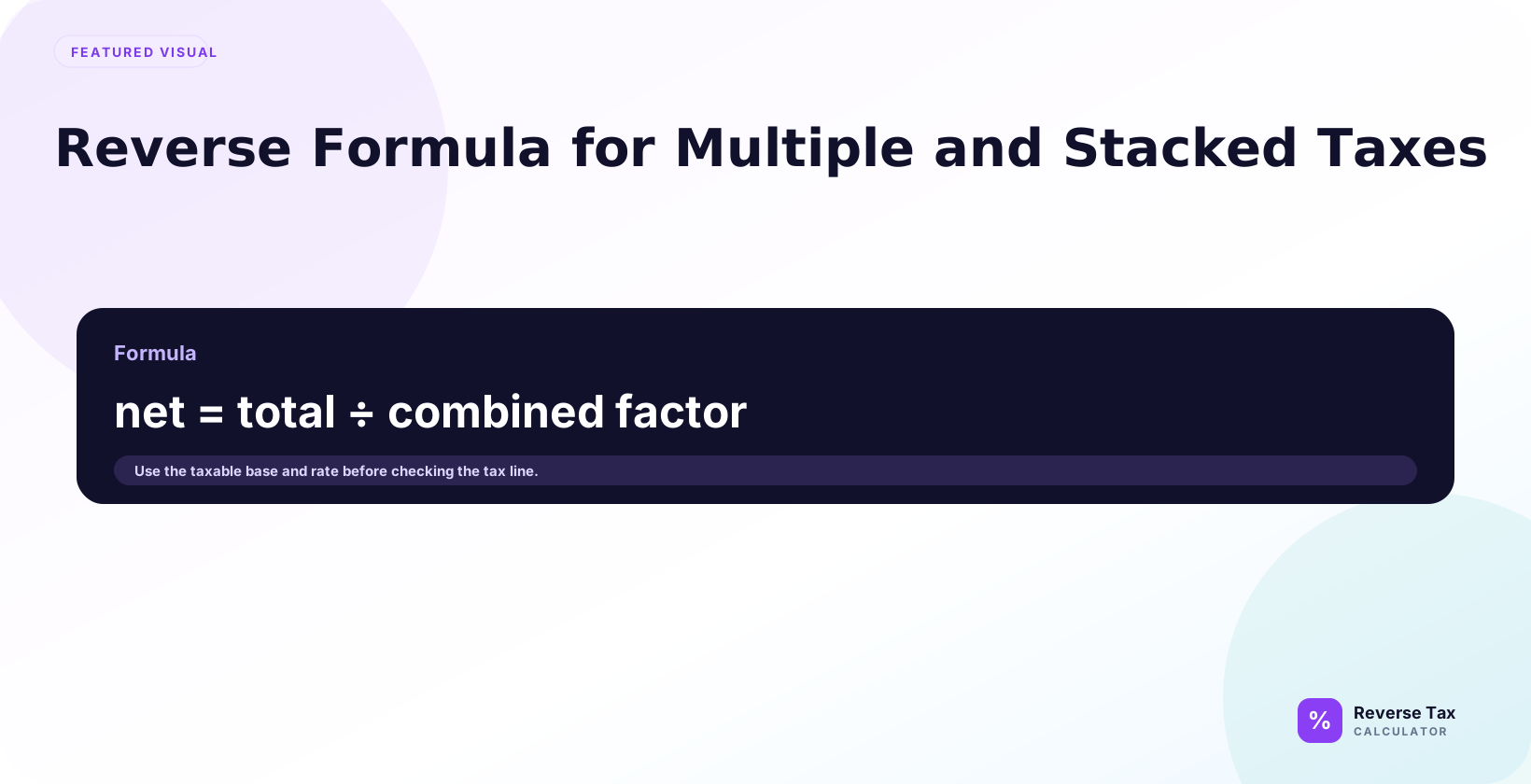
Multiple and stacked tax formulas reverse a tax-inclusive total by matching how each tax was originally applied to the taxable base. Additive taxes can often use one combined rate, while stacked taxes may require sequential multipliers because one tax can be applied after another. The correct output depends on calculation order, shared or separate tax bases, exemptions, discounts, local taxes, and receipt rounding. The receipt should confirm the tax sequence.
For a simple additive case, use:
Pre-tax price = Total / (1 + combined rate / 100)
For stacked taxes, use:
Pre-tax price = Total / ((1 + rate 1 / 100) x (1 + rate 2 / 100))
What Are Multiple and Stacked Taxes?
Multiple taxes means more than one tax rate may affect the final total.
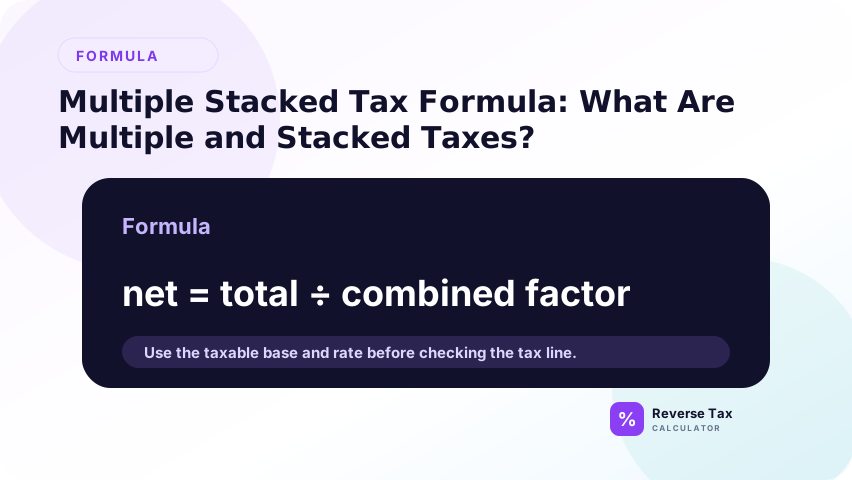
Stacked taxes means one tax is calculated after another tax, or the calculation order changes the final result. The important question is whether each tax applies to the same base or whether one tax changes the base for the next.
| Tax structure | Meaning | Formula behavior |
|---|---|---|
| Single tax | One rate applies to the total base | Use basic reverse tax formula |
| Multiple additive taxes | Several rates apply to the same base | Combine rates, then reverse |
| Stacked taxes | Rates apply in sequence | Multiply tax multipliers |
Why Multiple Taxes Need a Different Reverse Formula
Multiple taxes need a different reverse formula because one total can contain more than one tax component. If both taxes apply to the same base additively, you can combine the rates. If one tax is calculated on a base that already includes another tax, the tax is stacked and the multiplier changes. The formula depends on the tax relationship, not only the rate names.
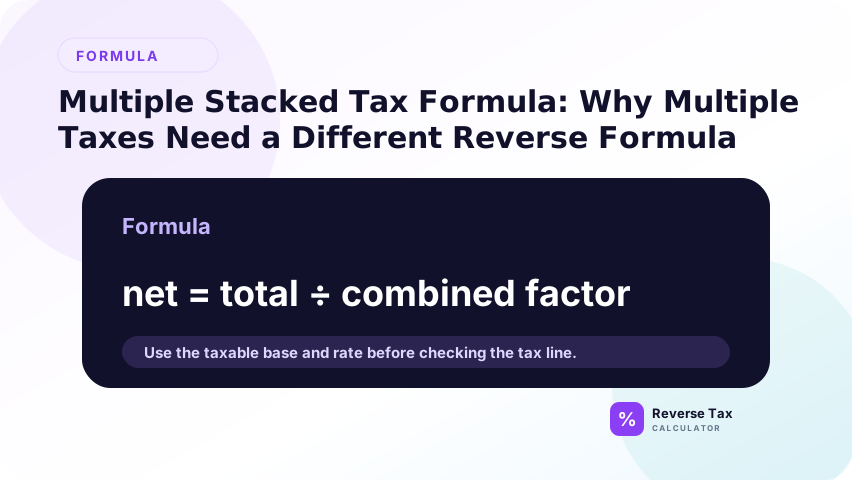
Multiple taxes need a different reverse formula because one rate may not describe the full tax-inclusive total.
If a receipt includes two taxes, reversing the total with only one of them will overstate the pre-tax price. If you add rates that should be stacked, the result may also be wrong.
The formula must match the way tax was added.
Additive Taxes vs Stacked Taxes
Additive taxes apply separately to the same pre-tax base, while stacked taxes apply in sequence. In an additive system, 5% plus 7% creates a 12% combined rate on the same base. In a stacked system, the second tax may apply after the first tax has been added. Reverse tax must identify which structure exists before choosing the divisor.
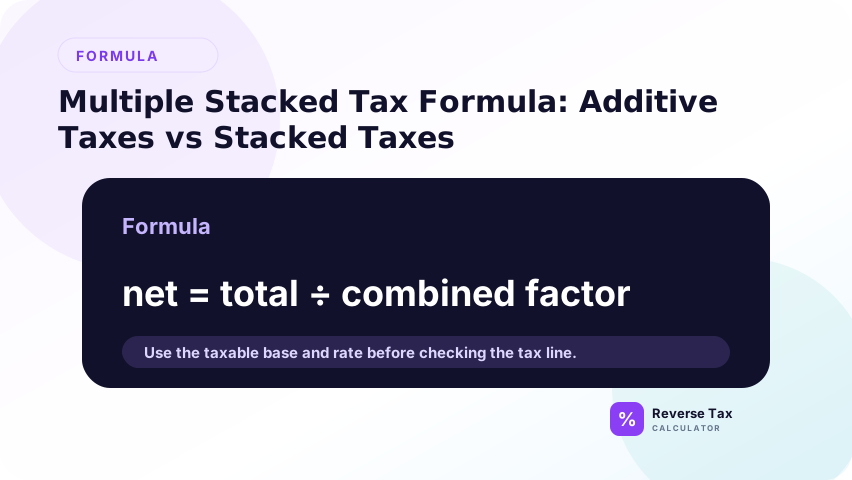
The difference is the tax base.
What Are Additive Taxes?
Additive taxes apply to the same pre-tax base.
If one tax is 5 percent and another is 7 percent, and both apply to the same base, the combined rate is 12 percent.
What Are Stacked Taxes?
Stacked taxes apply in sequence.
The second tax may apply after the first tax has already changed the amount, or the calculation may require separate multipliers.
Why This Distinction Matters
The same two rates can produce different totals depending on tax order.
| Base | Rate 1 | Rate 2 | Additive total | Stacked total |
|---|---|---|---|---|
| 100.00 | 5 percent | 10 percent | 115.00 | 115.50 |
The difference is small in this example, but it matters for invoices, receipts, reconciliation, and rounding.
Reverse Formula for Multiple Additive Taxes
For multiple additive taxes, add the rates together when every tax applies to the same taxable base. Then divide the tax-inclusive total by 1 plus the combined rate. This works for clean receipts where the same item is subject to all listed taxes. If one tax applies to shipping and another does not, split the lines first.
Use the additive formula when all tax rates apply to the same pre-tax base.
Formula:
Pre-tax price = Total / (1 + (rate 1 + rate 2 + rate 3) / 100)
Additive Example
Suppose a total is 112.00 and two additive taxes are 5 percent and 7 percent.
Combined rate:
5 + 7 = 12 percent
Multiplier:
1.12
Pre-tax price:
112 / 1.12 = 100
Included tax:
112 - 100 = 12
| Component | Amount |
|---|---|
| Total | 112.00 |
| Combined additive rate | 12 percent |
| Pre-tax price | 100.00 |
| Included tax | 12.00 |
Reverse Formula for Stacked Taxes
For stacked taxes, the multiplier is not simply 1 plus the sum of rates. The first tax changes the base for the second tax, so the formula may multiply factors such as 1.05 times 1.07. Reverse tax must undo the same sequence that created the total. If the sequence is unknown, the result should be treated as an estimate.
Use the stacked formula when tax multipliers apply in sequence.
Formula:
Pre-tax price = Total / ((1 + rate 1 / 100) x (1 + rate 2 / 100))
Stacked Example
Suppose a total is 115.50 and the stacked rates are 5 percent and 10 percent.
Multiplier 1:
1.05
Multiplier 2:
1.10
Combined stacked multiplier:
1.05 x 1.10 = 1.155
Pre-tax price:
115.50 / 1.155 = 100
| Component | Amount |
|---|---|
| Total | 115.50 |
| Stacked multiplier | 1.155 |
| Pre-tax price | 100.00 |
| Total included tax | 15.50 |
How to Reverse GST and QST Style Taxes
GST and QST style examples show why label and base matter. A common Quebec reverse calculation uses 5% GST plus 9.975% QST additively on the same base, giving a 1.14975 factor. But the page should still preserve GST and QST as separate labels because receipts, filings, and rounding may show them separately.
Quebec is a useful example because Revenu Quebec states that GST is calculated at 5 percent on the selling price and QST is calculated at 9.975 percent on the selling price excluding GST.
That means the common GST and QST structure is additive to the selling price, not QST stacked on top of GST.
Quebec-Style Additive Example
Suppose the tax-inclusive total is 114.975 and the base price is unknown.
Combined rate:
5 + 9.975 = 14.975 percent
Multiplier:
1.14975
Pre-tax price:
114.975 / 1.14975 = 100
GST:
100 x 0.05 = 5
QST:
100 x 0.09975 = 9.975
| Component | Amount |
|---|---|
| Pre-tax price | 100.000 |
| GST at 5 percent | 5.000 |
| QST at 9.975 percent | 9.975 |
| Total | 114.975 |
This example uses official rate structure from Revenu Quebec, but real receipts may round to cents.
Decision Matrix: Which Multiple-Tax Formula Should You Use?
| Situation | Formula type | Reason |
|---|---|---|
| One rate applies | Basic reverse formula | One multiplier |
| Two rates apply to same base | Additive formula | Rates can be combined |
| Taxes apply in sequence | Stacked formula | Multipliers must be multiplied |
| Receipt has separate tax lines | Depends | Read each tax base |
| Total includes exempt items | Split first | One formula may not fit |
| Rate order is unknown | Do not guess | Verify tax rules |
Operational Table: How to Reverse a Multi-Tax Total
| Step | Action | Why it matters |
|---|---|---|
| 1 | Identify each tax rate | Missing rates distort result |
| 2 | Identify each tax base | Same base means additive |
| 3 | Determine order | Sequential taxes need stacked formula |
| 4 | Build multiplier | Multiplier reverses the total |
| 5 | Divide total | Finds pre-tax price |
| 6 | Recalculate forward | Checks the result |
Common Mistakes
Common mistakes include adding rates when taxes are stacked, stacking rates when taxes are additive, applying one combined rate to mixed tax bases, ignoring exempt lines, and losing the individual tax labels after calculating net price. The safest workflow is to map each tax to its base before choosing the reverse formula.
The practical check is to draw the tax sequence before writing the formula. Ask whether Tax A and Tax B apply to the same base, whether one applies after the other, and whether any receipt line is exempt from one tax but not another. If the map is unclear, do not use a single combined divisor for the whole total.
Adding Rates That Should Be Stacked
Do not add rates if one tax applies after another in sequence.
Stacking Rates That Are Actually Additive
Do not multiply multipliers when the rules say both taxes apply to the same selling price.
Using One Rate for the Whole Total
One rate may miss part of the included tax.
Ignoring Rounding
Multi-tax receipts often round each tax line. The total may differ by a cent after reverse calculation.
Guessing the Tax Order
Tax order depends on rules. Guessing can produce clean but wrong results.
> Accuracy note: this page explains formula structures. Official tax rules determine whether rates are additive, stacked, exempt, or applied to different bases. Verify the applicable tax rules before relying on a real transaction result.
What This Page Does Not Cover
| Topic | Better page |
|---|---|
| Basic formula | Reverse Tax Formula |
| Step-by-step single-rate calculation | How to Calculate Tax Backwards |
| Quebec-specific guide | How to Reverse GST and QST in Quebec |
| Rounding | How to Round Reverse Tax Calculations |
| Receipt mismatch | Why a Reverse Tax Calculator May Not Match Your Receipt |
Frequently Asked Questions
Can I add multiple tax rates together?
Only when the taxes apply to the same base. If the taxes are stacked, use multiplied tax multipliers instead.
What is the formula for two additive taxes?
Use total / (1 + (rate 1 + rate 2) / 100).
What is the formula for two stacked taxes?
Use total / ((1 + rate 1 / 100) x (1 + rate 2 / 100)).
Is Quebec GST and QST stacked?
Revenu Quebec states GST is calculated at 5 percent on the selling price and QST is calculated at 9.975 percent on the selling price excluding GST. That makes the common calculation additive to the selling price.
Why does my multi-tax result differ by a cent?
Each tax line may be rounded separately, and the receipt may round the final total.
Sources
These sources support tax structure context, while the formulas come from arithmetic relationships between tax bases, rates, and tax-inclusive totals. Use official tax authority guidance to confirm whether taxes are additive, stacked, exempt, or applied to different bases. Use this page to choose the correct reverse formula structure.
- Revenu Quebec, Basic Rules for Applying the GST/HST and QST