Additive and stacked taxes change reverse tax because the tax base and calculation order are different. Additive taxes usually apply separate rates to the same taxable base, while stacked taxes apply one tax after another, changing the second tax base. Reverse calculation must match the receipt structure before extracting tax; using one combined rate works only when the total was created from the same taxable base and order.
This page explains additive vs stacked taxes, how the formulas differ, when rates can be combined, how to spot the structure on receipts and invoices, and why spreadsheet formulas should include a method label before calculating.
What Are Additive Taxes?
Additive taxes are taxes that apply to the same taxable base. If a $100.00 base has 5% tax and 7% tax, both calculated on the same $100.00, the total tax is $12.00 and the total is $112.00.
In reverse tax, additive rates can often be combined:
Base = Total / (1 + Rate1 + Rate2)
This works only when the tax base is shared.
What Are Stacked Taxes?
Stacked taxes are taxes applied sequentially. One tax may be calculated after another tax has already changed the amount. The total may be created by multiplying several tax factors in order.
A simple stacked formula is:
Total = Base * (1 + Rate1) * (1 + Rate2)
Reverse:
Base = Total / ((1 + Rate1) * (1 + Rate2))
The sequence matters.
What Is the Main Difference?
The main difference is the taxable base. Additive taxes share one base. Stacked taxes use a sequence of bases or multipliers.
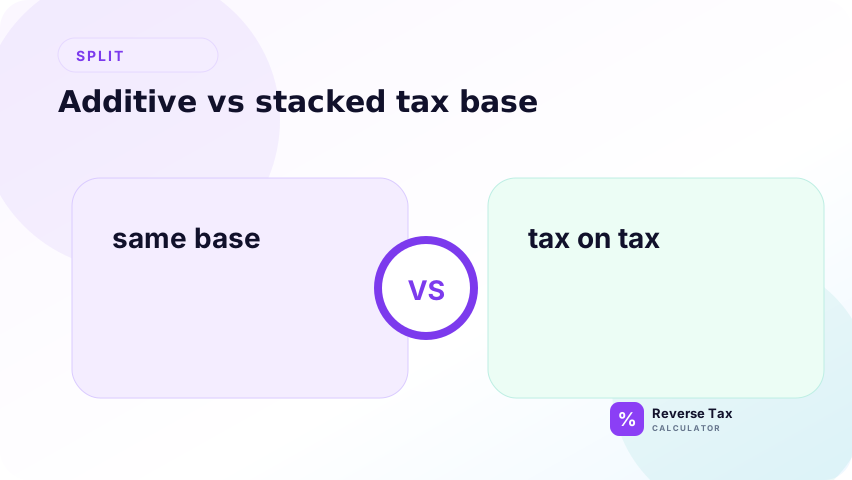
| Structure | Base relationship | Reverse divisor |
|---|---|---|
| Additive | Same base | 1 + Rate1 + Rate2 |
| Stacked | Sequential base | (1 + Rate1) * (1 + Rate2) |
The formulas are not interchangeable.
If the issue is not tax sequence but calculation sequence around discounts, shipping, tips, or rounding, the related guide on why tax calculation order matters covers that broader workflow problem.
Why This Matters for Reverse Tax
Reverse tax depends on the divisor. If the divisor is wrong, the before-tax amount and tax amount are wrong. Adding rates when taxes are stacked creates a different divisor than multiplying tax factors.
The error can be small on one receipt but large across many rows. That is why spreadsheets should include a tax-method column before formulas are applied.
For implementation details, the multiple tax formula in Excel and Google Sheets page shows how to translate this distinction into formulas and QA columns.
Additive Tax Example
Base: $100.00
Tax one: 5%
Tax two: 7%
Total:
$100.00 * (1 + 5% + 7%) = $112.00
Reverse:
$112.00 / 1.12 = $100.00
Both taxes used the same base.
This is the simplest case for reverse tax because the combined divisor is transparent. The before-tax base is recovered once, then each component tax can be calculated separately from that same base.
Stacked Tax Example
Base: $100.00
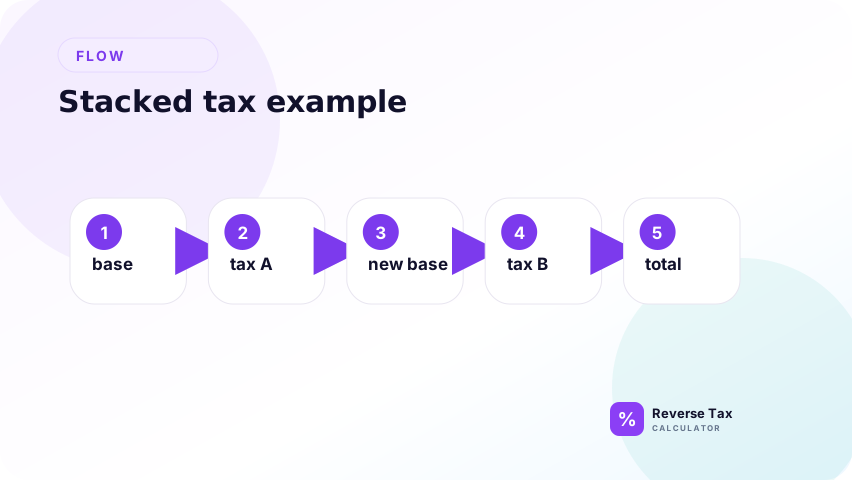
Tax one: 5%
Tax two: 7% applied after tax one in this simplified example.
Total:
$100.00 * 1.05 * 1.07 = $112.35
Reverse:
$112.35 / (1.05 * 1.07) = $100.00
The stacked total is different from the additive total.
The difference comes from the second tax applying after the first multiplier in this simplified model. Even when the rate names are the same, the sequence changes the final total and the reverse divisor.
How to Tell Which Structure Applies
Check the receipt, invoice, tax authority guidance, or system documentation. Look for whether each tax is calculated from the same subtotal or whether one tax is calculated after another amount is added.
Do not infer structure only from the labels. GST plus PST, GST plus QST, local tax components, and special fees can behave differently depending on jurisdiction and transaction.
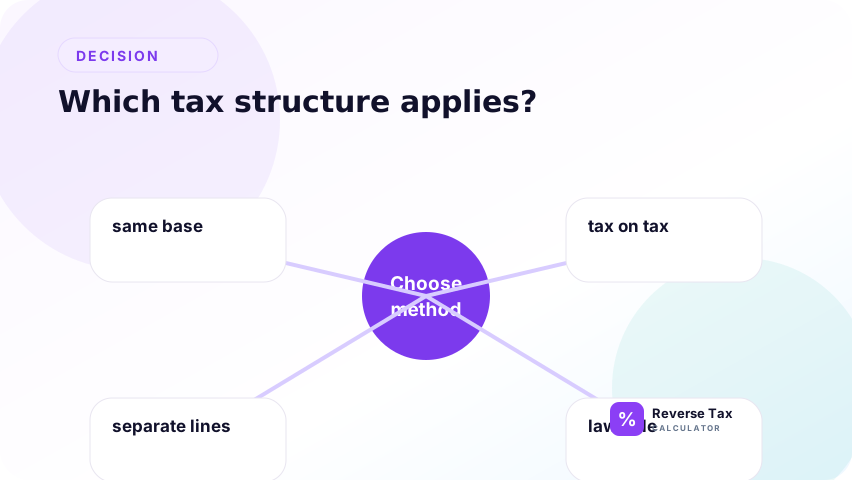
Additive vs Stacked Decision Table
| Evidence | Likely structure | Action |
|---|---|---|
| Same taxable base shown | Additive | Add rates |
| Sequential calculation shown | Stacked | Multiply tax factors |
| Tax amounts shown separately | Source amounts known | Subtract shown tax |
| Mixed item groups | Neither simple method | Split groups |
| Unknown structure | Unverified | Do not guess |
This table helps select a formula, not determine legal tax treatment.
How to Model Additive Taxes in Spreadsheets
Model additive taxes in spreadsheets by storing each tax rate in its own column, summing the rates only when they apply to the same taxable base, and dividing the tax-inclusive total by 1 plus the combined rate. Keep GST, PST, QST, city tax, county tax, or other labels separate for evidence. If bases differ, use separate rows instead of one combined rate.
Use:
=Total/(1+Rate1+Rate2)
Then calculate each tax amount from the before-tax base:
=Base*Rate1
=Base*Rate2
This keeps component taxes visible for review and reporting.
The component columns matter because a combined rate is only a shortcut for the base calculation. Records may still need separate tax amounts, especially when GST, PST, QST, or local tax components are reviewed.
How to Model Stacked Taxes in Spreadsheets
Use:
=Total/((1+Rate1)*(1+Rate2))
Then calculate each tax according to the sequence documented by the source. Do not simply calculate both taxes from the final base unless that matches the source method.
Stacked calculations need more notes because reviewers must know the order.
An order note should identify which tax factor is applied first and what source supports that sequence. Without that note, another user may incorrectly simplify the formula into an additive calculation later.
How GST, PST, QST, and HST Fit
HST is usually one harmonized rate. GST plus PST may be additive when both apply to the same base. GST plus QST commonly uses a 14.975% working combined rate when both apply to the same selling price.
These are calculation examples, not universal legal rules. Use CRA or Revenu Quebec guidance for compliance-sensitive questions.
The safest content pattern is to define the tax entity first, then explain the calculation structure. HST is one harmonized entity, GST plus PST may be separate additive entities, and GST plus QST has its own Quebec-specific precision issue.
How to Check the Result
After calculating the base and tax components, rebuild the total. The rebuilt total should match the original source total except for rounding.
If it does not match, check whether the wrong structure was used, whether rates apply to the same base, and whether the receipt includes mixed or exempt items.
This rebuilt-total check is the same quality-control idea used across reverse tax pages. It does not prove legal treatment, but it shows whether the chosen formula structure can reproduce the source total.
Common Mistakes
The common mistakes are adding rates that should be stacked, stacking rates that should be additive, using one method for mixed receipts, and hiding the structure inside one generic formula.
Another mistake is using a combined rate when the receipt already shows tax amounts separately. In that case, source tax amounts may be stronger evidence.
Users also confuse multiple tax lines with stacked tax. Multiple lines only prove that more than one tax exists. They do not prove that the taxes are sequential. The base relationship must be checked.
Trust Boundary
Additive vs stacked is a calculation-structure question. The formula can model the structure, but it cannot decide taxability, exemptions, filing treatment, or which structure a jurisdiction legally requires.
Use source receipts, invoices, official tax guidance, and accounting records for compliance-sensitive decisions.
This distinction affects arithmetic, not tax law. A page can explain additive and stacked structures, but it cannot decide the correct treatment for every jurisdiction, product, or transaction date.
Frequently Asked Questions
Are multiple taxes always additive?
No. Multiple taxes are additive only when they apply to the same taxable base. If taxes are applied sequentially, they are stacked.
Can I add GST and PST together?
Only when both apply additively to the same taxable base. If the receipt shows different bases or separate shown amounts, use the source evidence.
Why does the stacked formula multiply factors?
It multiplies factors because each tax step changes the amount before the next step. Reverse tax must undo the same sequence in reverse.
Sources and Notes
- CRA GST/HST rates and rules
- Revenu Quebec GST/HST and QST guidance
- Formula source: arithmetic relationship between additive tax rates, stacked tax multipliers, taxable base, and tax-inclusive total.